
Everything your crew needs to launch on time.
One workspace for projects, missions and checklists, in your own brand. Here is everything that’s in it today.
 Book a demo
See Missions in action
Eight short videos, about 11 minutes in all. Follow one client project from the first plan to your own branding and the mobile app.
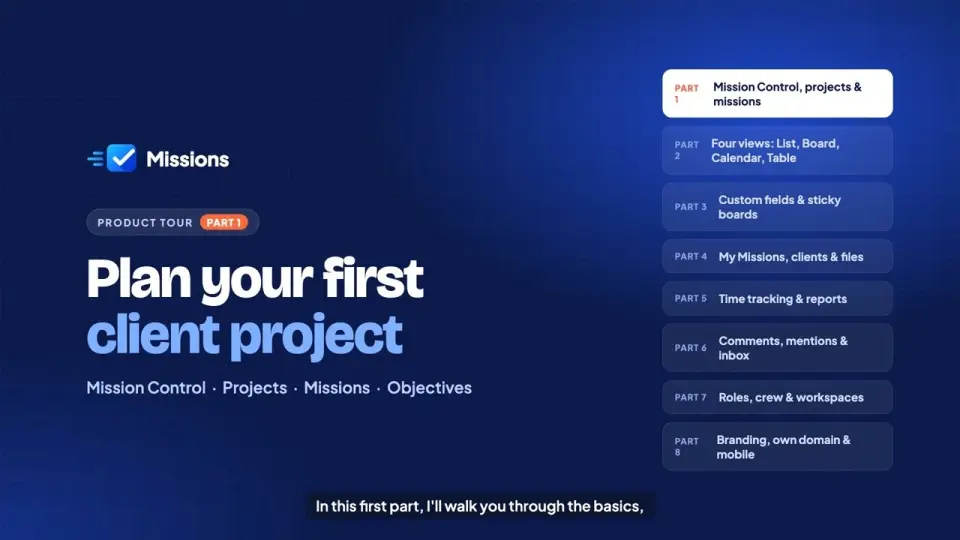
 2:19Part 01Plan your first client project
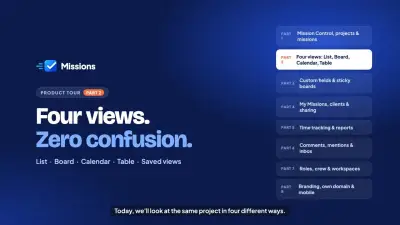 1:26Part 02Four views: list, board, calendar and table
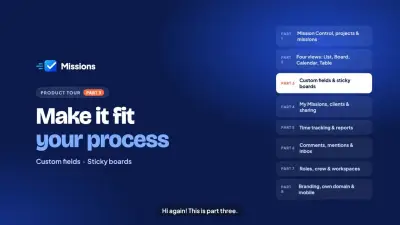 1:28Part 03Custom fields and sticky boards
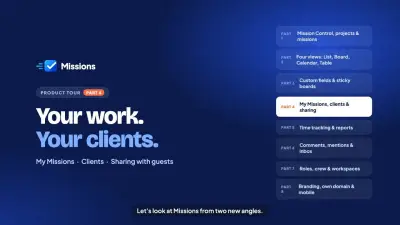 1:20Part 04My Missions, clients and sharing
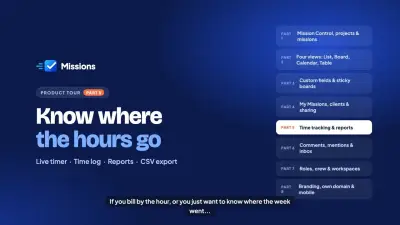 1:09Part 05Time tracking and reports
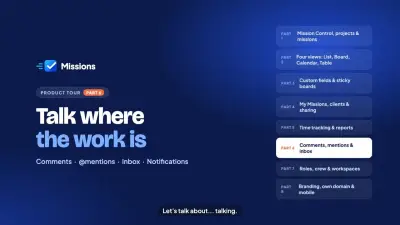 1:10Part 06Comments, mentions and inbox
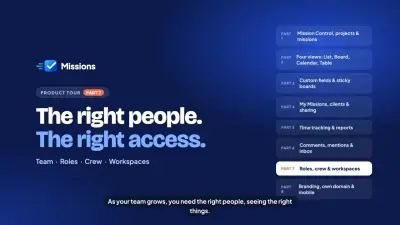 1:05Part 07Roles, crew and workspaces
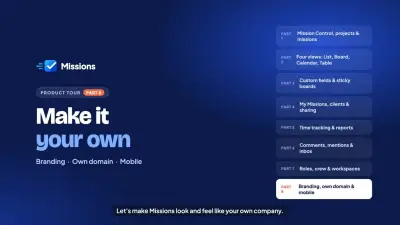 1:14Part 08Branding, domain and mobile
Plan & track
Projects hold missions, missions hold objectives, and every view works on the same data.
Guided first-run tour
A short, skippable walkthrough shows new people around on their first visit, and they can replay it any time.
Start a free trialProjects, missions & objectives
Break work into missions with owners, due dates and checklists. Progress updates as objectives are ticked.
See it in actionList, Board, Calendar & Table
Four views of the same missions, with drag and drop on the board. Each project remembers its saved views.
See it in actionCustom fields
14 field types, set up your way: dropdowns and multi-selects with options you add, rename, colour and reorder, file fields, numbers with units, ratings, dates and more. Mark any field required, and archive or delete fields with a clear warning of what is affected. Plan limits apply.
Custom statuses & labels
Shape the workflow of every project: add your own statuses with a colour and a category (Not started, Active, Done or Cancelled), rename and reorder them, and choose where new missions start. Workspace labels can be renamed, recoloured, merged or deleted in one step. Deleting a status always asks where its missions should go.
Sticky boards
A free-form whiteboard for ideas, moodboards and retros, next to your projects.
See it in actionFile attachments
Attach files to missions. Storage and file size grow with your plan.
My Missions
Everything assigned to you across projects, with a T-minus chip on every deadline.
Clients
Group projects under the companies you work for. Each client has its own page with all of its projects, progress and counts.
Time tracking
Know where the hours go. Track time on missions with a live timer or manual entries, then report on it by week or month. Time tracking is plan-based, so ask us which plan fits.
Live timer on every mission
Start, pause and stop a timer right on a mission. It keeps running if you switch tabs and stays in sync across your devices.
Manual entries
Forgot to start the timer? Add or edit time afterwards with a date, duration and note.
Working hours & holidays
Set your company’s working hours and holidays so reports reflect real working days.
Weekly & monthly reports
See time by person, project and mission, with the people tracked shown for the period.
CSV export
Download time entries as a CSV for invoicing, payroll or your own spreadsheets.
Custom entry fields
Add your own fields to time entries, such as billable or activity type.
Team & notifications
Talk where the work is and hear about what matters to you.
Comments & @mentions
Comment on any mission and @mention a crewmate to pull them in.
See it in actionActivity history
Every mission shows who changed what and when.
See it in actionInbox
Mentions, assignments, comments and status changes, marked unseen, seen or read.
See it in actionPush, email & reminders
Browser push and email per notification type, due-date reminders, a daily digest, and clear plan, billing and security emails with no surprises.
5 built-in roles
Owner, admin, manager, member and guest. Share a project with a client as a guest: they see only what you share. Custom roles on the Business plan.
See it in actionWorkspace or project access
Separate teams or clients into workspaces, or give someone only the projects they work on. Bigger access always wins.
See it in actionGuided tour
New people get a short first-run tour of the features they can use, shown once per person and never repeated on another device. They can replay it from the profile menu.
Your brand
Your logo, your colours and your domain, so your team and clients see your brand.
Branding studio
Your logo (light and dark), brand colour, one of 5 fonts, sharp, rounded or soft corners and a light, dark or system theme. Every plan.
See it in actionYour own domain
Serve your workspace from tasks.youragency.com. We check your DNS and set up the certificate. Starter and up.
Mission language
Space-themed wording by default, or plain Home, Tasks and Subtasks with one switch.
See it in actionNo “Powered by” credit
Remove the “Powered by” credit in the app and the “Sent with Missions” line in emails, on the Business plan.
Security & data
The basics, done properly.
Active sessions
See every signed-in device and sign the others out.
See it in actionAudit log
Sign-ins, member and settings changes, and support visits are recorded.
See it in actionDaily backups
The database is backed up every day to separate, private storage.
See it in actionData export
Download everything as a ZIP on Pro and Business. The link is valid for 24 hours.
Mobile app (PWA)
Add Missions to your phone’s home screen and get push notifications.
Up and running in three steps
No long setup, and no waiting for us. Most of the work is deciding what to launch first.
- 1
Start your free trial
Sign up with your email and password in minutes, no card needed. When you are ready, subscribe to a plan in the app and keep going.
- 2
Make it yours
Add your logo, colour and font, pick a corner style and light or dark, and connect your domain.
- 3
Invite your crew
Give each person a role, plan your projects and watch the T-minus count down.
Click around before you sign up
Open a ready-made workspace with sample projects, missions and a team. Move missions, log time, open reports and switch between Owner, Manager and Member to see what each role can do. Nothing is saved and no card is needed.
HAVE A TEAM TO ORGANISE?
Want a walkthrough, a paid plan or a longer trial? Tell us a little about your crew and we’ll set it up with you. You can also start a free trial yourself. We’ll reply on WhatsApp.
Prefer email? Write to hello@missionnops.com
Your message is ready to send. We’ll reply within one business day. Nothing opened? Open it here.